


Search engine optimisation is a word that a lot of people find intimidating. What most people might find surprising, though, is that you can actually do a bit SEO without necessarily having a wealth of technical knowledge and experience.
If you’re looking to improve your site’s searchability, here are 5 simple hacks that you can do right away!
Step 1
Before you start working on your website’s SEO, first you have to know how ‘healthy’ it is. One of the best tools for that is WooRank.
WooRank is a comprehensive website review and SEO audit tool that looks at your website though Google’s lenses. It analyses key factors that make your website more search-friendly and provides detailed feedback on aspects that need improvement.
Run a quick report and you’ll get an overall site score with a marketing checklist outlining the actions you can take to optimise your website. Your personalised report will also contain vital SEO checkpoints as well as guidelines on how to improve them.
To know how to use WooRank and generate a report for your website, follow the video [below].
Step 2
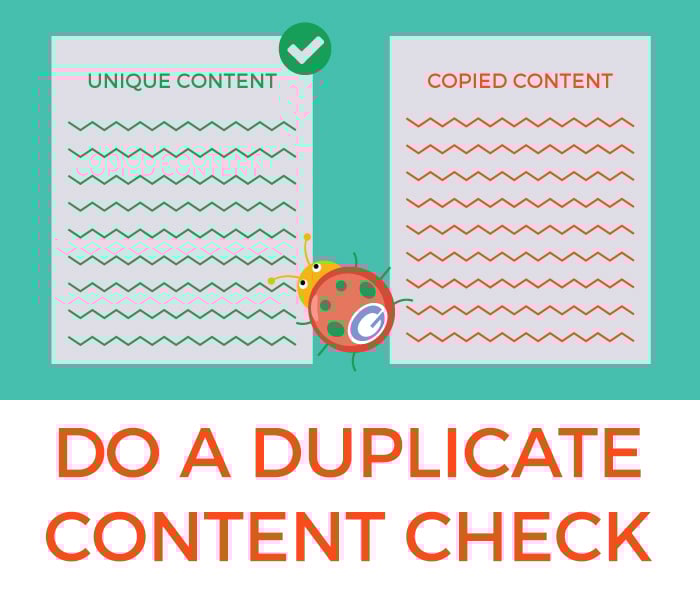
Google places premium importance on unique, high quality content – keyword: unique.
While it doesn’t exactly penalise a website for having duplicate content, Google does prioritise web content that answers user queries with distinctiveness and accuracy.
As such, websites that have duplicate content often appear further down the rankings, thus resulting in loss of web traffic.
To make sure you don’t have duplicate content, run a duplicate content check through your entire website.
Copyscape is an excellent tool to use, as it allows you to perform a comprehensive check of your web copy while also providing you the links to any pages that contain instances of content duplication. This way, you can be more precise and efficient in addressing you duplicate content issues.
Watch the video [below] for a brief tutorial on how to use Copyscape to check for duplicate content on your website.
Step 3
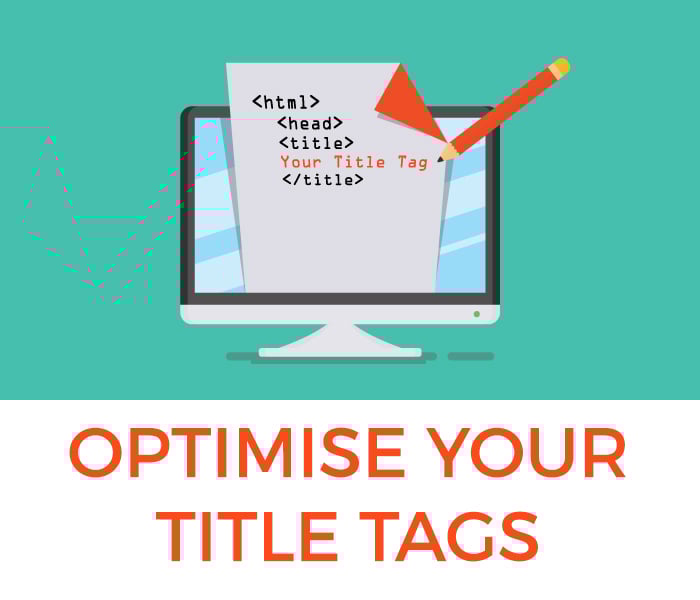
Title tags? What are those? Well, title tags are coding elements that essentially give search engines an idea what a page is about. Think of it as an article headline, but for Google.
In search, title tags are also the clickable headlines that appear on search engine results pages after you enter a query. Title tags serve multiple functions when it comes to web usability, SEO, and social shareability.
When creating a title tag, integrate the main keyword for your target page, your secondary keyword and your brand name. Doing this better improves your website’s relevance in Google’s eyes for your target keywords.
However, remember to keep your title tags within 50 to 60 characters, as this is the typical length Google uses to display title tags.
Step 4
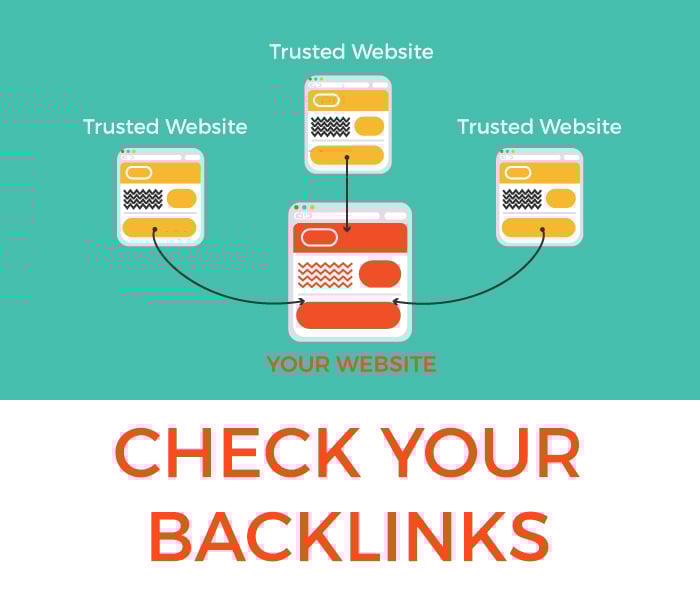
Backlinks are search signals that tell Google whether a website is a reliable source of information. You can think of it as a ‘vote of confidence’, but for websites.
Basically, Google looks at the quality and quantity of the websites linking to your site as a factor to determine if you should go higher or lower in its search engine results pages.
So does that mean more is better? Not quite!
A single link from a high quality, high authority website is more valuable than a dozen low-value links from spammy websites. So when building your site’s link authority, make sure to only target trustworthy and authoritative link sources.
Want to check what kind of websites are linking back to yours? We at USEO use Ahrefs to check backlinks. It delivers a comprehensive look at your link profile, allowing you to identify quality links from bad links and so much more!
To know how to use the Ahrefs Backlink Checker tool, check out the video below.
Step 5
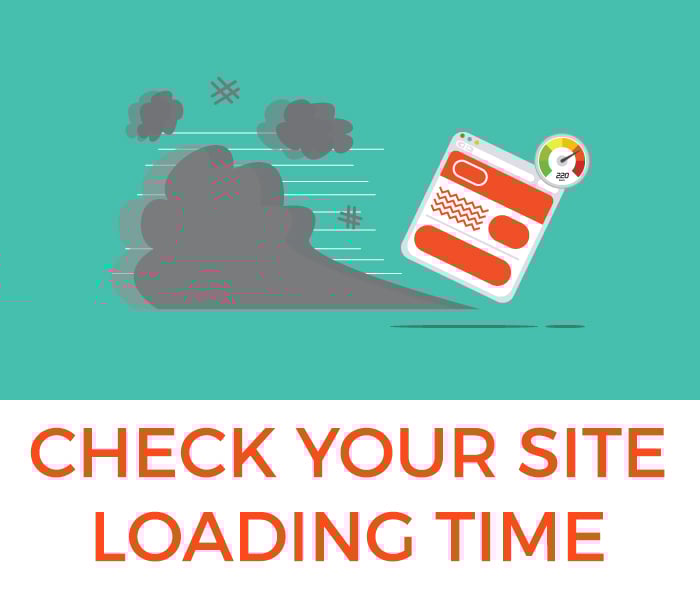
In an increasingly mobile world, websites that don’t measure up will get left behind in the dust – especially when it comes to website loading time.
Research suggests that 53 per cent of users will abandon a mobile page that takes more than 3 seconds to load.
Being in the most coveted spots of search engine results pages is useless if you can’t retain and convert visitors. Check your site’s website speed using Pingdom and make sure the loading time is 3 seconds or less.
Don’t know how to use the tool? Watch the video guide below.
Conclusion
SEO isn’t rocket science, neither is it some kind of tech wizardry. It’s all about making your website as useful and relevant as possible to the people who need it. Cater to your audience by doing the right things, and Google will reward you with the visibility you need to grow your brand.


